New Build Available for Download

Posted November 24, 2009 by Michael Zobel
Categories: New Release

Tags:

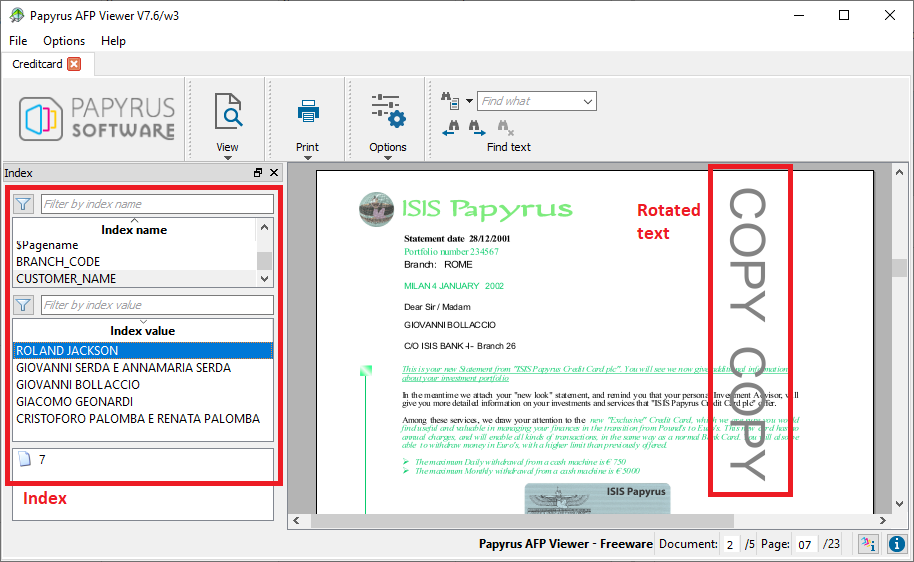
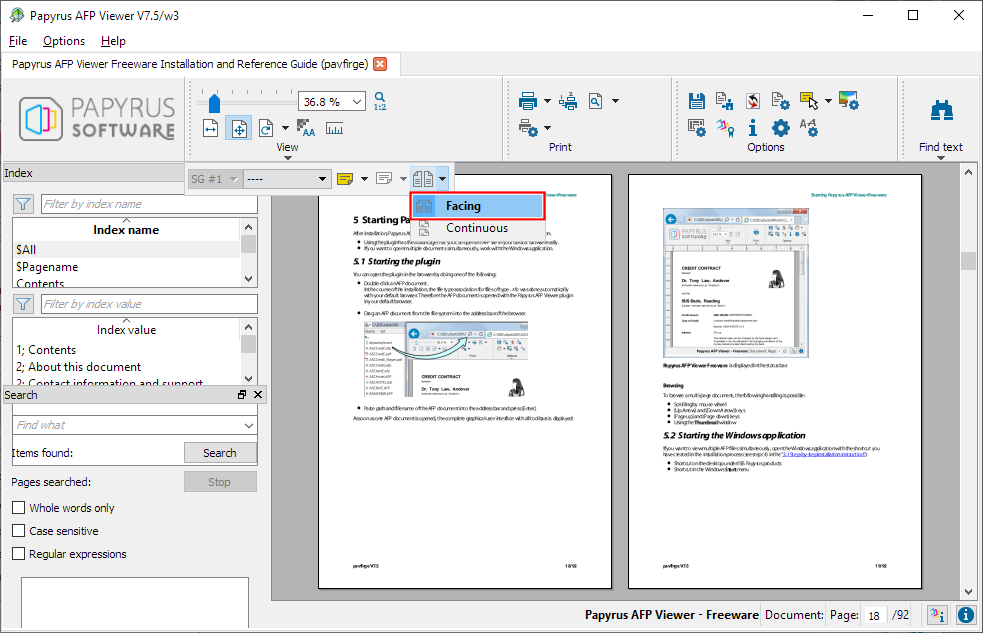
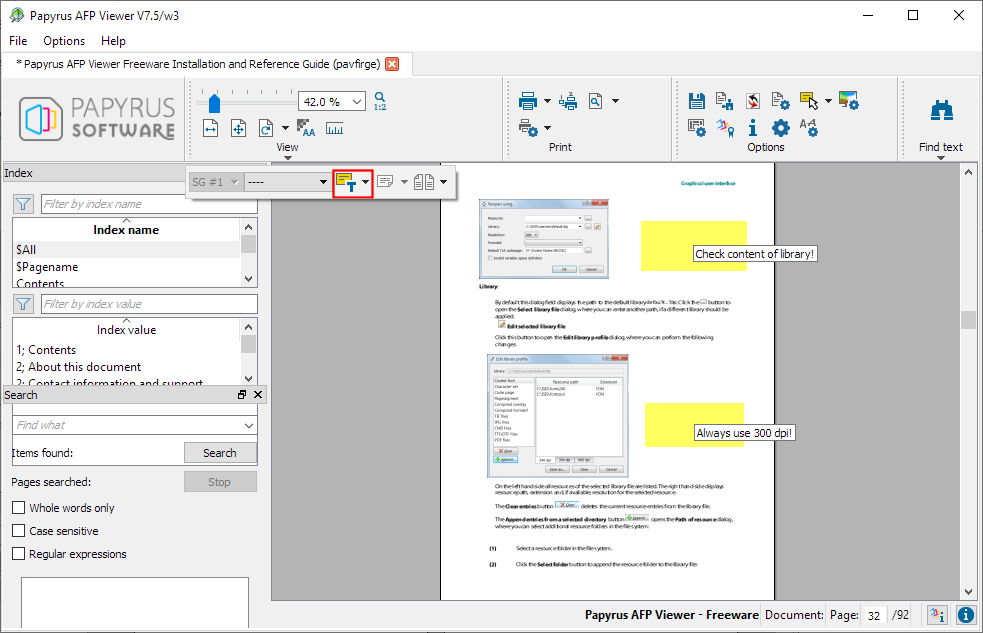
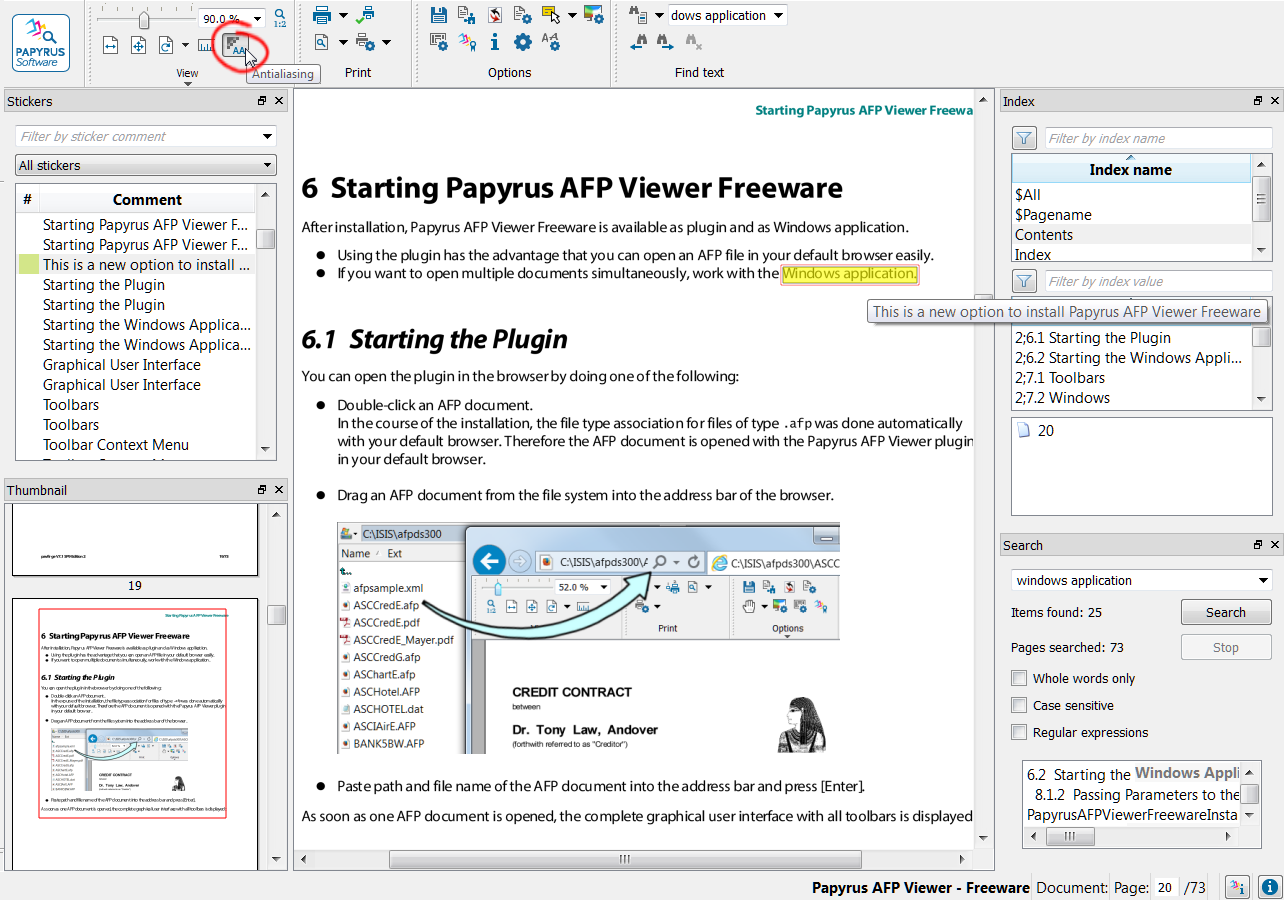
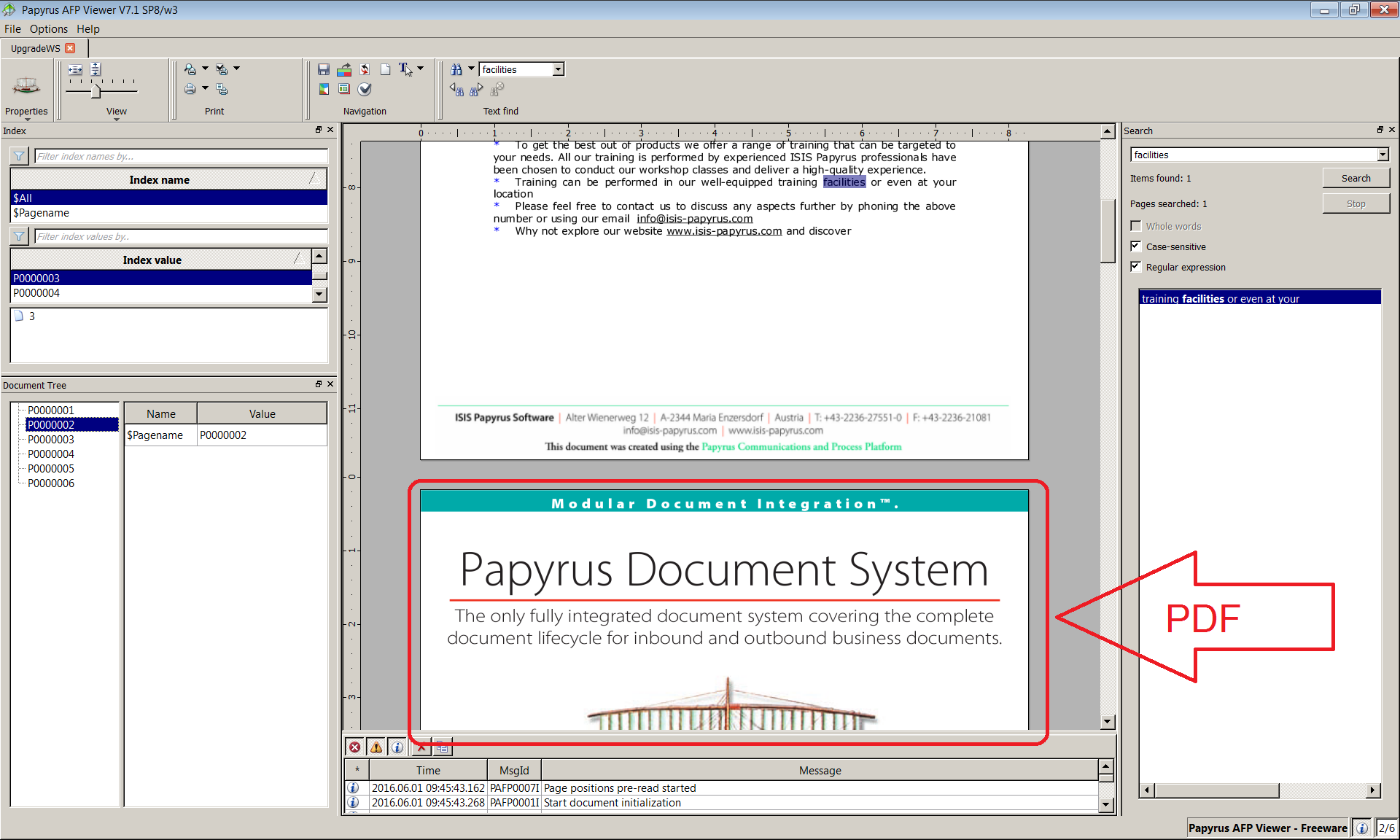
Since its October 22 release the Papyrus AFP Viewer freeware has been well received in the IT community, with more than 1000 users enjoying its benefits to date. Based on their valuable feedback and our commitment to continuous improvement, ISIS Papyrus is glad to announce a new revised version. The build number is 7.01.1.09470 and it is available for download at the AFP Viewer download page of the ISIS Papyrus website.

Please note that according to the terms and conditions the Papyrus AFP Viewer is intended for personal use only and must not be rolled out on a company-wide basis without a valid maintenance agreement with ISIS Papyrus. For more information contact Sales at info[at]isis-papyrus.com.

The Papyrus AFP Viewer is provided as-is and ISIS Papyrus does not provide any support without a valid maintenance agreement in place. However, we welcome all feedback directed to afpviewer[at]isis-papyrus.com.

Papyrus AFP Viewer FAQs

Posted November 4, 2009 by Michael Zobel
Categories: Issues, Tip

Tags: , , ,

Q: The installer stops with the error message “There is a problem with the Windows installer package. A program run as part of the set up did not finish as expected. Contact your support personnel or package vendor.” and rolls back the installation.

A: There are 2 possible causes for this message:

  1. You do not have administrative rights
  2. The ISIS_COMMON environment variable is already existing on the system and the directory to which it points is not writable.

Q: The browser window shows a screen with the date and version number of the plug-in, but no AFP is displayed:AFP_Viewer_err_msg

A: This error screen comes up, if one or more DLLs cannot be found in the system. Do the following:

  1. Check, if the PATH variable is set to the proper directory %ISIS_COMMON%\w3\lib
  2. Check, if the correct Visual C++ 2008 Runtime libraries are installed. Go to Settings->Control Panel->Add and remove Programs and find the entry Visual C++ 2008 Redistributables. Remove it and try to install the plugin again. Make sure, all other programs are closed.

Q: How can I modify the installation program to install without user interaction?

A: According to the terms and conditions the Papyrus AFP Viewer must not be rolled out on a company-wide basis. Contact our Sales department at info [at] isis-papyrus.com

Q: The installer displays the error message: “The file activexpav31.dll could not be registered. Please register it manually”

A: The registration requires administrative rights. Please log on with an administrator account and try again.

Q: On starting the plugin, the error message appears:
PPCS1076F Another PCSDLL is already loaded into the same process: apiVer=31, dataVer=20090907, shmAddr=40000000 (own apiVer=31, dataVer=20090907).

A: Another ISIS process has locked the shared memory on an address, that is not available inside the browser memory context. Do the following:

  1. Shut down all ISIS processes
  2. Create the file %ISIS_COMMON%\w3\pcscfg31.cfg
  3. Enter the line: ISIS_PCS_SHM_BASEADDR_20090907=<base address>
  4. Try different settings from 40000000 – 650000000 for <base address>

Papyrus AFP Viewer Requirements

Posted October 29, 2009 by Michael Zobel
Categories: General

Tags: , ,

Which browsers and platforms are supported by the Papyrus AFP Viewer?

The ISIS Papyrus AFP Viewer plug-in currently runs under Windows 2000, Windows XP and Windows Vista and requires Netscape Navigator (Version 3.01 or later), Microsoft Internet Explorer (Version 3.01, Level 4.70.1215 or later) or Mozilla Firefox (Version 2.0.0.11 or later).

MAC and Linux versions of the ISIS Papyrus AFP Viewer wil be released soon.

Free ISIS Papyrus AFP Viewer

Posted October 28, 2009 by Michael Zobel
Categories: General, New Release

I am truly happy to be able to share the news with you that ISIS Papyrus in cooperation with the AFP Consortium (AFPC),  has released its AFP Viewer V7.00 – a browser plug-in  that enables Web viewing of documents created or stored in AFP, or Advanced Function Presentation – on Windows as freeware for individual business users. As a founding board member, ISIS Papyrus played a strong role in the formation of the AFP Consortium and is committed to support of the AFP standard for printing, archiving and presentation.

When most document production vendors were still formatting to native printer formats (and most still do), we have decided 20 years ago that a stable and well-defined printing standard such as AFP – which was originally defined by Brian Platte of IBM – is of benefit to a business. My critical position to the XML based ‘open standards’ comes from their lack of timely, practical and realistic functionality. AFP was always way ahead.

AFP has been there for over 20 years and thus much longer than PDF and is still much better suited for high-volume document applications. Because of the PDF history of the Postscript graphics language it has to be rendered and therefore has a number of drawbacks. PDF/A was created only recently as a subset to resolve some of the issues.

For TransPromo, e-discovery and the electronic delivery of business documents such as bills, statements, and policies, AFP has powerful advantages over PDF as it supports very high print speeds, output integrity and centralized, automated server-based management. With advanced functionality, the Papyrus AFP Viewer provides superior accuracy and speed of presentation including embedded AFP resources, making it ideal for business and production environments that demand superior user interface and presentation of colors, as well as reliable and efficient archiving.

Individual users can now enjoy the professional features of the AFP Viewer for free, enabling businesses to send and present documents in the original AFP format to their customers without conversion. Software vendors who want to embed the viewer into their products can do so through OEM agreements.

As a V7 product it is based on the same powerful, platform-independent GUI technology that is also the base for Papyrus EYE and thus tremendous presentation speed advantages over previous versions have been achieved. Support for Chinese, Japanese, Korean, Thai, Arabic and Hebrew and all other complex languages is integrated. The AFP Viewer does not substitute fonts but loads them from a defined location or from embedded resources.